Skip the initial setup
We handle tools, dependencies and ongoing maintenance so you spend less time setting up.
A cloud coding environment for Claude. We handle setup, configuration and maintenance.
Create an account, then use an activation code to set up your cloud environment.
 Claude Code
Validation and tests are ready. Review the files and code changes.
Describe what to change next
We handle tools, dependencies and ongoing maintenance so you spend less time setting up.
Your code and submitted tasks are saved in the workspace, ready to revisit from another device.
Get help with setup, tools or account issues and follow replies on the beta site.
Your monthly fee includes the subscription, cloud setup and maintenance, and support.
Max
≈$131.87/mo
Choose MaxUltra
≈$281.72/mo
Choose UltraThe ChatGPT workspace (Codex) is not connected yet. Availability has not been announced.
Pro 100
≈$122.58/mo
Ask about availabilityPro 200
≈$221.78/mo
Ask about availabilityPro 500
≈$581.43/mo
Ask about availabilityForeign-currency amounts use the exchange rate for ; the final amount will be confirmed at activation.Exchange rate source
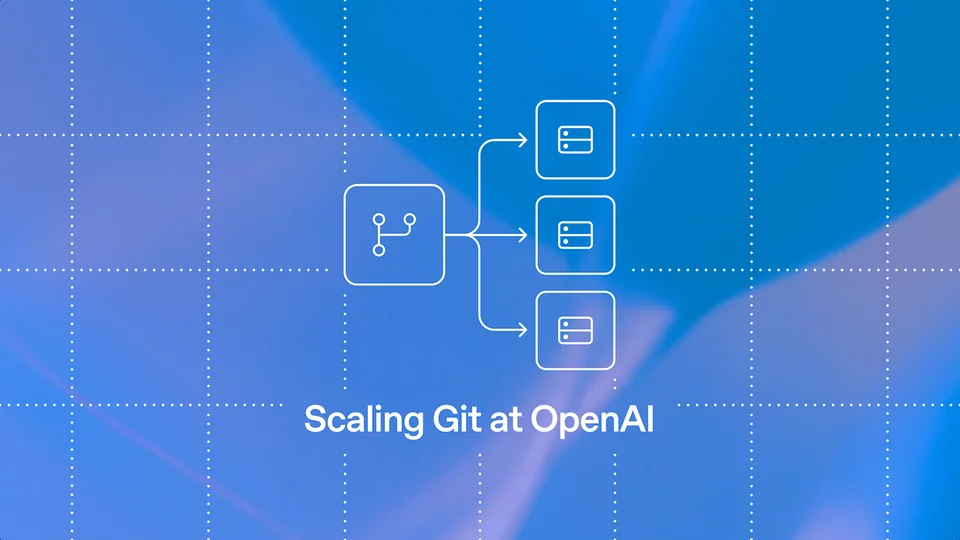
OpenAI describes the architecture of Pando, a Git backend already serving its internal monorepo. Concurrent pushes and cached reads help support the large-scale parallel development enabled by Codex.
Anthropic is expanding its research support program with 20 foundations, institutions and research groups worldwide, offering free Claude credits for high-impact research projects.
We set up and maintain cloud development environments, including tools and dependencies. The workspace is in beta, starting with Claude.
It includes your chosen subscription, cloud environment setup and maintenance, and support through this site.
Select “Join the beta” to register or sign in on Alpha. Redeem an activation code in My account, then open the workspace once your instance is ready.
Code and submitted tasks are saved in the workspace. Keep your own backup of important code, and confirm retention and recovery arrangements before activation.
For environment or account issues, start a support request here and we will help investigate. A cloud environment cannot guarantee that an account will never be restricted or that an existing task will resume seamlessly after switching accounts.
Chinese, English and Russian are available, with prices in CNY, USD and RUB respectively. Foreign-currency amounts are estimates; the final amount will be confirmed at activation.